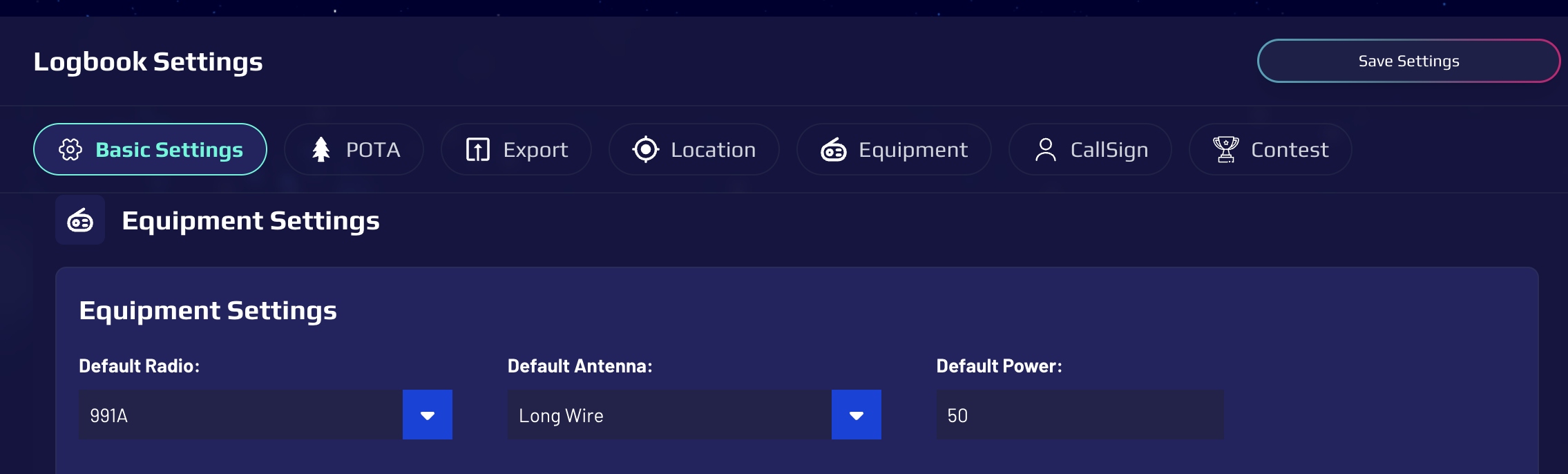
Hi folks-
New user here and the app isn’t saving my settings (power assisted, etc).
Am I missing something?
Hi folks-
New user here and the app isn’t saving my settings (power assisted, etc).
Am I missing something?
Following
@W0SJE Hey Scott,
We had this issue right after the database upgrade but fixes have been released. Make sure you are logged in and then hold shift on your keyboard and click the refresh button in your browser. Then goto your logbook and in the quick settings bar above the logging fields, or in your logbook settings update your changes and make sure you click save.
Let me know if you are still having trouble.
Thanks & 73
Brad K4AZE
Yes indeed the specific contest settings using the gear icon in the upper right at the bottom “Contest Settings (power, # transmitters, etc)
I should have clarified that I’m using an IPad, so not a web browser.
Also, am I able to connect my Flex to this app?
@W0SJE So you are using the mobile app on an ipad and the contest settings aren’t saving. got it. For the time being you may need to use the web app (app.worldradioleague.com) on your ipad to be able to save those contest settings. Honestly I would use the web app for the contests in general as the mobile apps aren’t really geared towards contesting yet. We do have plans to build out additional features for the mobiles apps to make them more feature rich though.
No unfortunately the beta cat control app only works with the web app.
Thanks & 73
Brad K4AZE
OK thanks.
I can use the web app for now no problem, but I’m extremely interested in N3FJP and WSJT integrated in the CAT beta, along with Flex radio support. I’m assuming none of those will work with IPad yet?
@W0SJE not currently, there is no way to access the devices/com ports via a tablet.
I am using the IPad with a docking station with a direct (Ethernet) connection to the Flex, so there must be some way to access those ports.