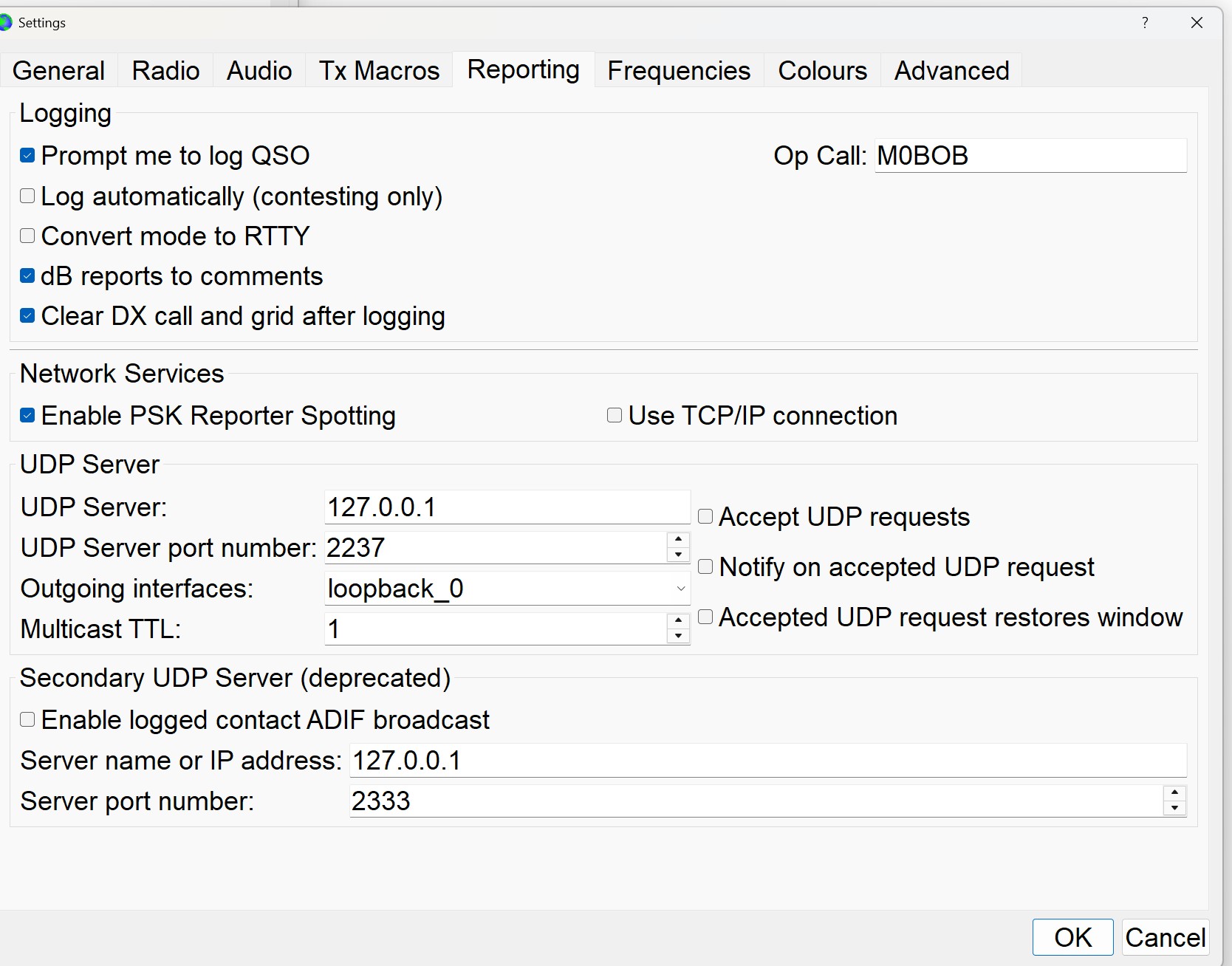
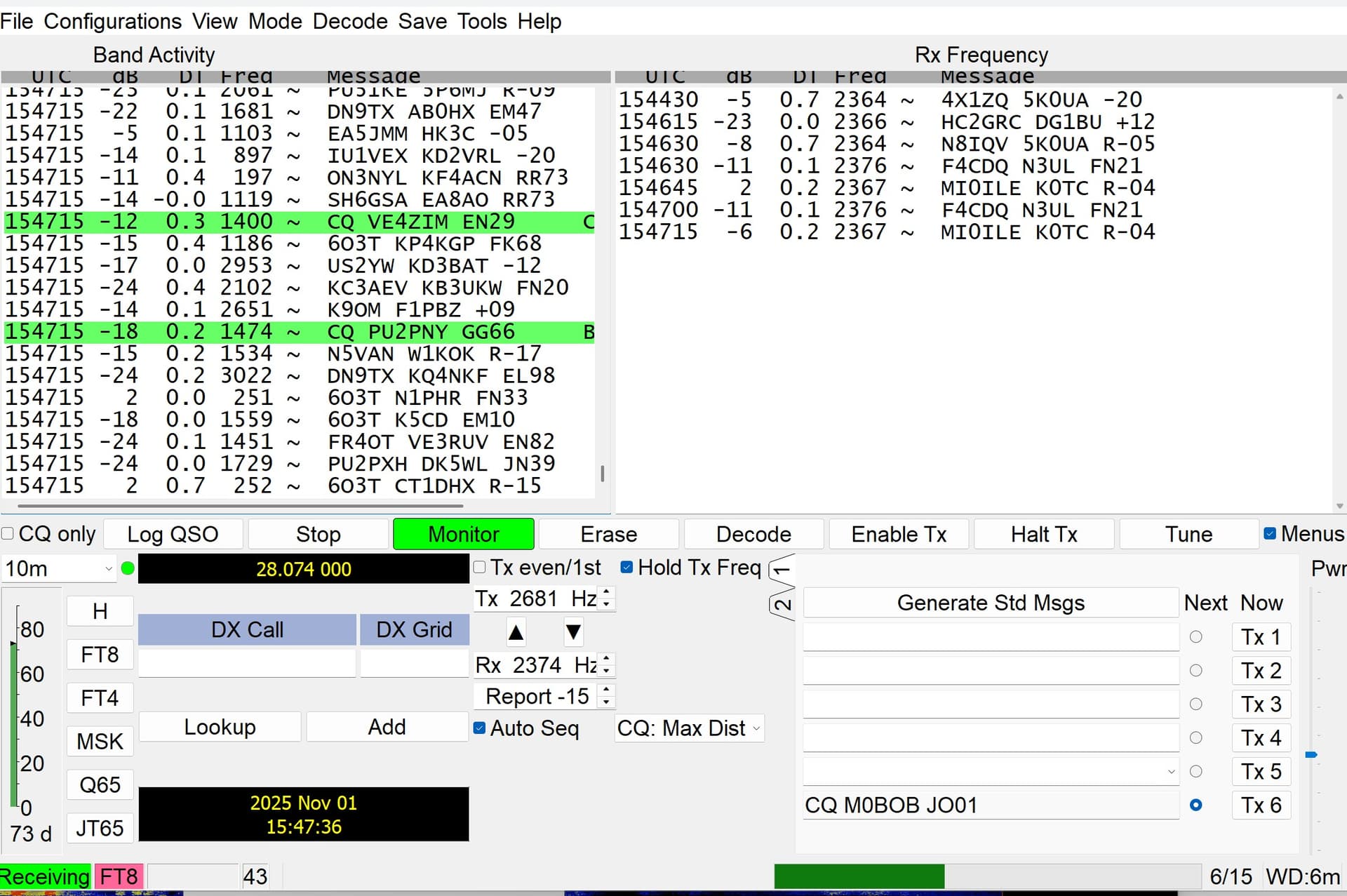
I am not sure where I am going wrong. I spent most of the morning trying to get WRL to log my WSJT-X FT8 contacts automatically. I followed a YouTube video to help me, but I can’t log my contacts.
My PC operating system is Windows 11, 64 Bit.
Chrome Browser.
After opening the WRL CAT Control program/page (v1.0.5). I am not connecting it to my radio for CAT control, I only selected the FT8 section for “listening”.
I opened WSJT-X (v2.70 b4f9a4) next and had several FT8 QSOs, but none transferred to my log.
I tried changing UDP Port from 2237 to 2238, but that didn’t solve the problem (same Ports on WRL and WSJT-X).
@M0BOB We’ve been having some reports of users having trouble. it seems like most the users that are having issues are just using the cat control app to listen for UDP connections and only using WSJTX (with no other apps involved) so I just tested this with just those two and was able to make it work with the following settings (listed below). I normally use the cat control app connected via cat control to my radio, then have WSTJX or JTDX connected to the cat control app via the hamlib setting in the radio settings tab of WSJTX/JTDX and then WSTJX/JTDX sends the QSO info to gridtracker and then gridtracker sends the QSO logging data to my WRL logbook, so i normally use it a little differently, however with that said i tried it with just the cat control app listening and tied to WSJTX specifically.
I tried using CAT control only, I also used WSJT-X in listening mode without CAT control. I made several FT8 contacts, but none of them populated my log. I selected my Yaesu FTdx101D from the drop down list of radios in WSJT-X and I also tried using HamLib, selecting my radio didn’t help and HamLib crashed WSJT-X and I had to reinstall it.
@M0BOB in the WRL Cat control settings under Radio settings you need to select your radio there and not ‘Hamlib NET rigctl xxxx’. You should select your radio, com port, & baud rate. Then click start radio connection. Then inside of WSJTX under the radio settings tab select hamlib there if you want to have rig control setup.
I am still having difficulties logging WSJT-X FT8 contacts into WRL. I am sure I followed your instructions correctly, but they don’t seem to have worked.
My screenshots may help you to see where I am going wrong. I have logged out of WRL and logged back in, but that didn’t help.
I tried using port 2237 in WSJT-X & WRL, but my FT8 QSOs still aren’t transferring over to WRL. I have attached some screenshots so you can see the configuration.
Hi Bob, Disregard. I just realized you may have mistyped in your post vs. What is showing in your screen shots. Apologies for a less than useful response.
Having the same issue here. Have lauched WSJT-X and in settings have set my UDP port to be 2333. From here I ran the Cat Control App and that signed me onto my WRL account and I opened my logbook there. From here, I went back over the the Cat Control App and set in UDP port 2333 to match the one in WSJT and also selected my logbook in there and followed up with clicking on Statr Listening. Green light appeard by WSJTX. Made a few FT8 QSO’s and they logged fine to my QRZ logbook, but nothing was logged in my WRL log. I even enabled Secondary UDP with the same port number in WSJT regarding adif and that had no effect either. Has anybody actually gotten this to work reliably? I’m reading more NOs than yes.
See this thread for how I have been passing logging to WRL using WRL CAT and Gridtracker. I use Gridtracker to log to QRZ and LOTW, and also to pass through to WRL CAT.
Obviously change the radio setup in WSJT-X to match your radio settings. Hope that helps.
Perfect. All I did was set the UDP port in the WRL CAT to 2238 to match the UDP port that was in GridTracker I didn’t change anything at all in WSJT-X and just left that at 2333 and it started working.